Internal Software Design: Pixie Scaffolder
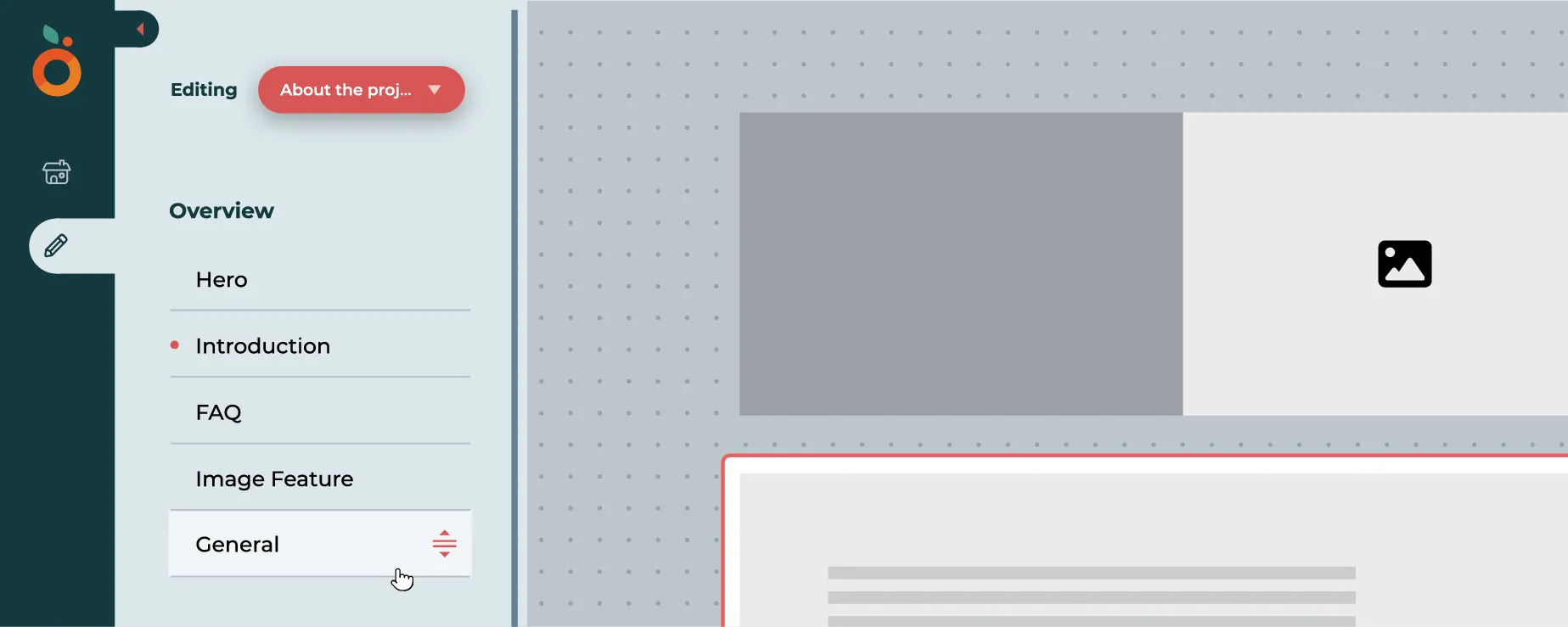
As both the Designer and Developer on this project, I built a visual configuration engine that allows developers to define project metadata, typography, color systems, and components through a guided UI. The software generates a complete standardized project with tested components and scoped CSS variables.
Note: Branding was adjusted to keep anonymity
The Challenge: The “Quick Turnaround” Gap
Quick turnaround projects often suffer from inconsistent code quality and fragmented design. Teams where work gets shuffled around to multiple different devs struggle with:
Discovery: Not knowing which pre-tested, accessible components already exist.
Configuration: Misconfiguring CSS variables, theme tokens, or folder structures.
Overhead: Spending the first 2-3 hours on repetitive “boilerplate” setup rather than core logic.
The Solution: A Visual Project Scaffolder
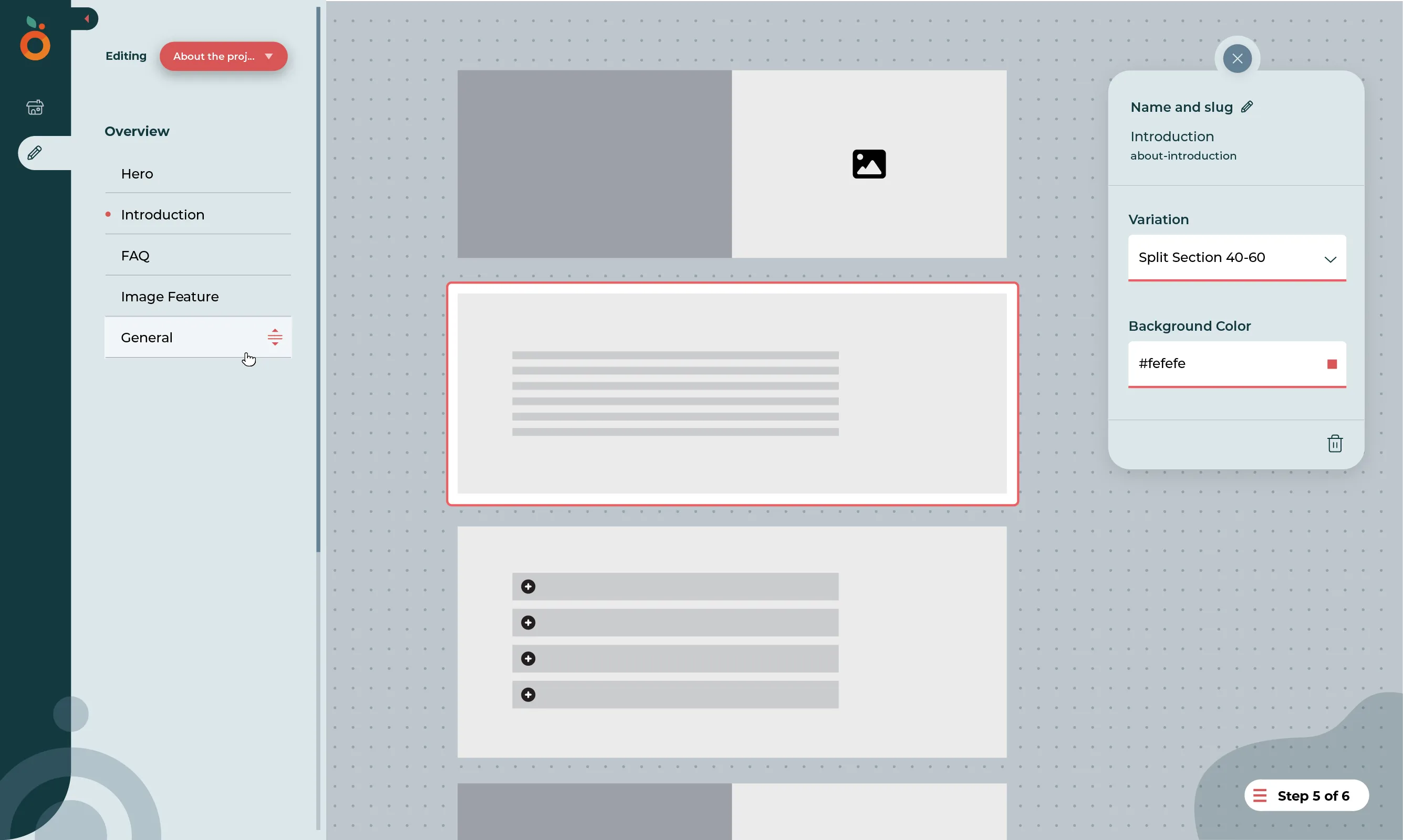
I designed and developed a visual configuration interface that translates design tokens and structural requirements into a production-ready codebase. It’s not a “no-code” builder; it’s a “head-start” engine that ensures every project begins with a consistent foundation.
Key Design Features
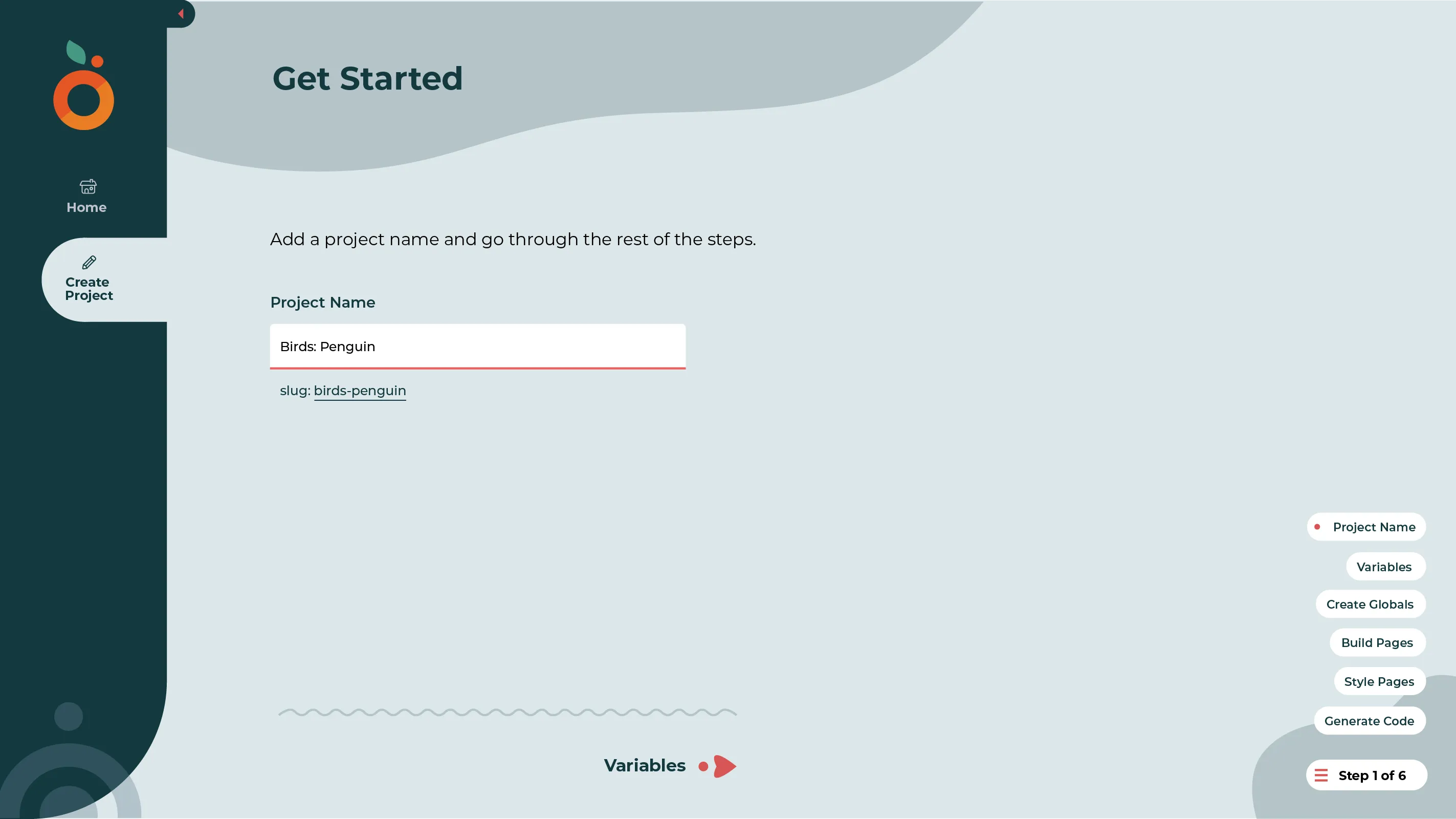
Guided Configuration UI: A step-by-step wizard that handles project metadata, typography, and color palette definition.
The Component Gallery: Instead of a list of file names, I built a visual library. Developers can see the component’s state and accessibility features before adding them to a page.
Base Styling Controls: To maintain design system integrity, I limited “visual building” to layout and background color assignments, which helps present examples for how to continue adding more styles later on.
Internationalization (i18n) by Default: The UI forces a structure that supports multi-lingual sites from the beginning.
Technical Implementation
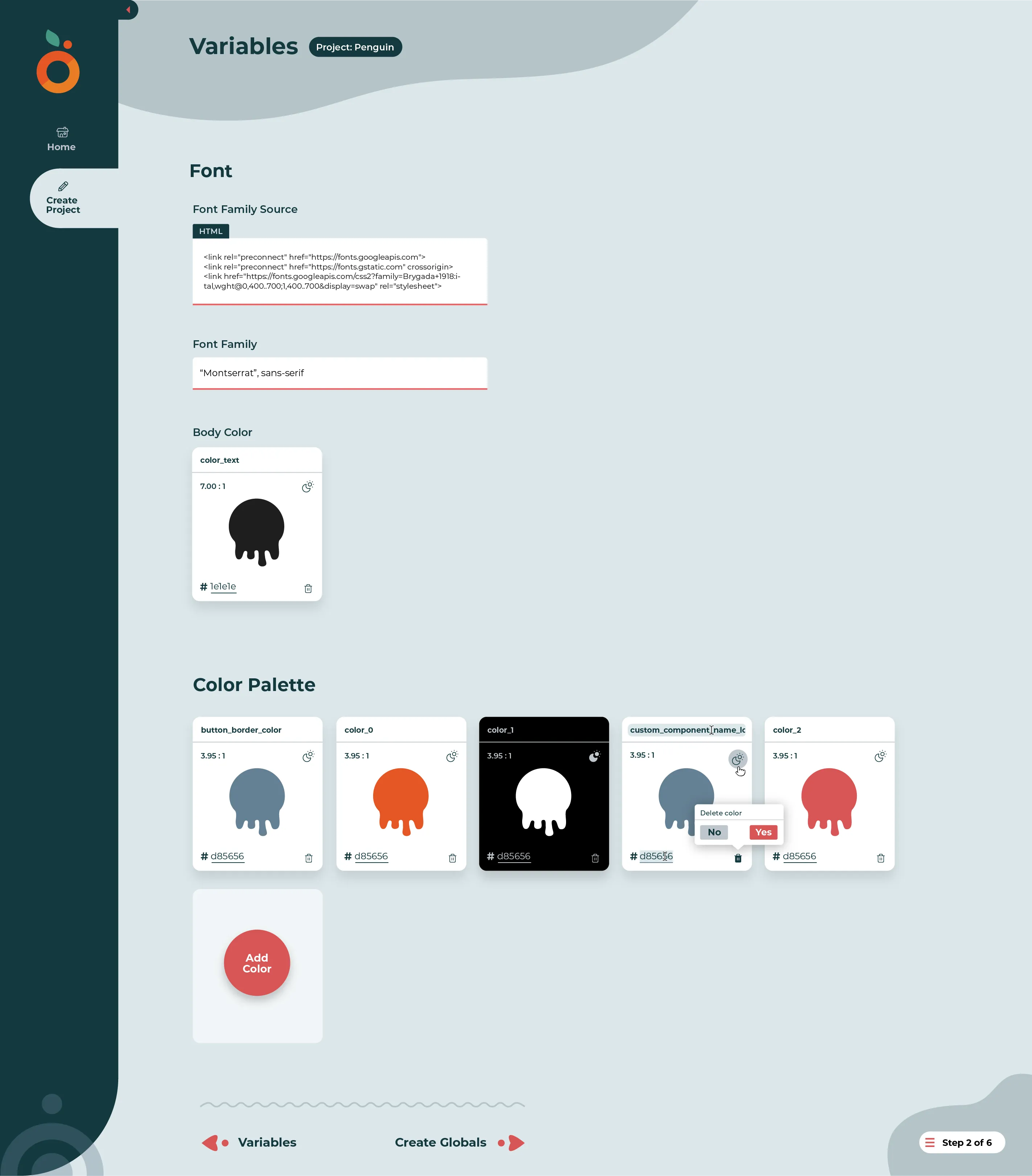
Dynamic Variable Mapping: Inputs (fonts, hex codes) are automatically mapped to a standardized theme file.
Project Hydration: The tool generates the entire directory structure, installs necessary dependencies, and creates the page files with the selected components pre-imported.
The final output is clean, documented code that a developer can immediately open in their IDE to begin custom implementation.
Tech Stack
- Adobe Illustrator
- Design